


Choose Wave Starter if you send a lot of invoices and can upload bank statements yourself. Choose Zoho Books Free if you want a separate accountant login and your financial-year revenue is $50,000 or less. For automatic imports from one supported account, compare QuickBooks Free and ZipBooks Starter. GnuCash and Manager Desktop are free options if you want to keep your books on your computer.
Free bookkeeping software for small businesses
Each option has an ongoing $0 plan or desktop edition. This comparison uses US vendor plan details checked in November 2026. Payment processing and optional services can cost extra.

| Free plan | Bank transactions | Main limit to check |
|---|---|---|
| Wave Starter | Manual statement upload | Automatic imports and collaborator access require Pro |
| Zoho Books Free | Manual statement upload | Revenue and annual transaction limits |
| QuickBooks Free | One connected bank account | One user and invoice limits |
| ZipBooks Starter | One connected bank account | Built-in reconciliation requires a paid tier |
| GnuCash | File imports | Desktop setup and local backups |
| Manager Desktop | File imports | One user working offline |
Free cloud and desktop bookkeeping software
Wave Starter for unlimited invoices
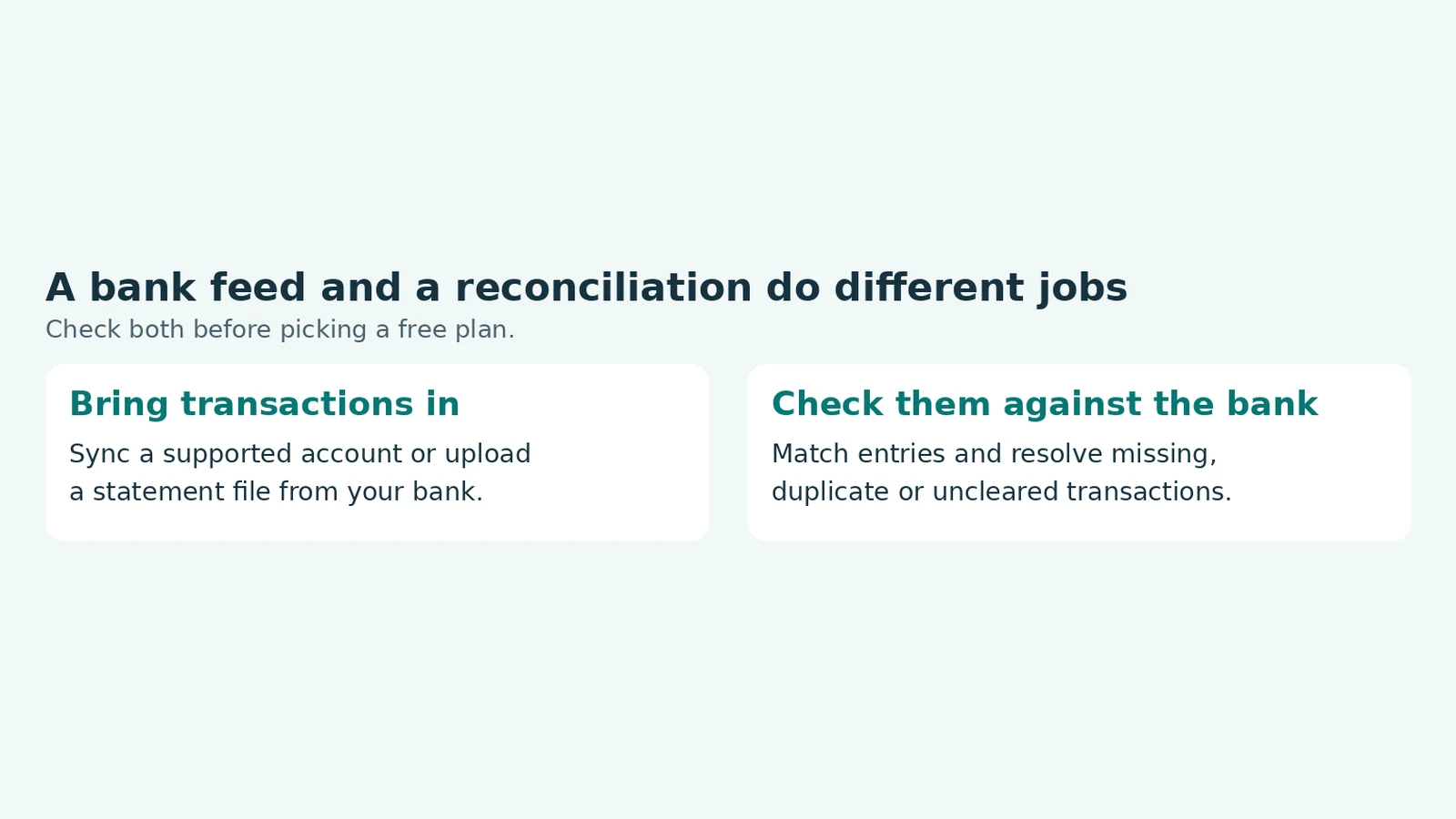
Wave Starter includes unlimited invoices, estimates, bills and bookkeeping records. You can upload bank statements, categorize transactions and reconcile accounts in the web app. Automatic bank imports and additional users require Pro, listed at $19 a month or $190 a year in the US. If your clients pay online through Wave, include the processing fees when you compare costs. Wave pricing and Starter features.
If sending and collecting client invoices is your main task, compare free invoicing software for freelancers, including Zoho Invoice, Wave, Harvest, and Invoice Ninja. Check client and project caps as well as payment fees.
Zoho Books Free for an owner and an accountant
The free plan includes one user and one accountant, plus bank reconciliation, recurring invoices and up to 1,000 invoices and 1,000 expenses per year. The financial-year revenue ceiling is $50,000. Standard adds connected bank feeds. If your revenue is approaching the ceiling, price Standard before moving your records. Zoho Books US pricing and limits.
QuickBooks Free vs. ZipBooks Starter for one bank feed
QuickBooks Free connects one bank account and provides profit and loss and balance sheet reports. It allows one user, with no accountant invite, and usually caps invoice sending at two per month. Intuit says that enabling QuickBooks Payments unlocks unlimited invoice sending. Check the processing fees if customers will pay through it. Intuit’s free plan guide. If you outgrow one bank feed or need an accountant login, see which small business accounting tools support your next step.
ZipBooks Starter also connects one bank account, with unlimited invoices and basic reports. Its built-in reconciliation module is on the Sophisticated tier. Starter users can compare entries to statements from the transaction list. If formal reconciliation is part of your monthly routine, weigh that extra work against the time the feed saves. ZipBooks pricing and reconciliation guide.
GnuCash vs. Manager for free desktop bookkeeping
GnuCash is open source and supports double-entry bookkeeping and transaction imports from formats including CSV and OFX/QFX. Manager Desktop runs offline on Windows, Mac and Linux, accepts statement file imports and supports one user. Manager lets you send a backup file to an accountant on another supported operating system. With either desktop option, make a separate backup and verify you can restore it. GnuCash project, GnuCash import guide and Manager Desktop.
Test one month before moving your books
Take the free plan you intend to keep and run the same sample month in each finalist. If a signup puts you in a paid trial, verify that the features you use are included on the free tier.
Worked example with a checking-to-savings transfer
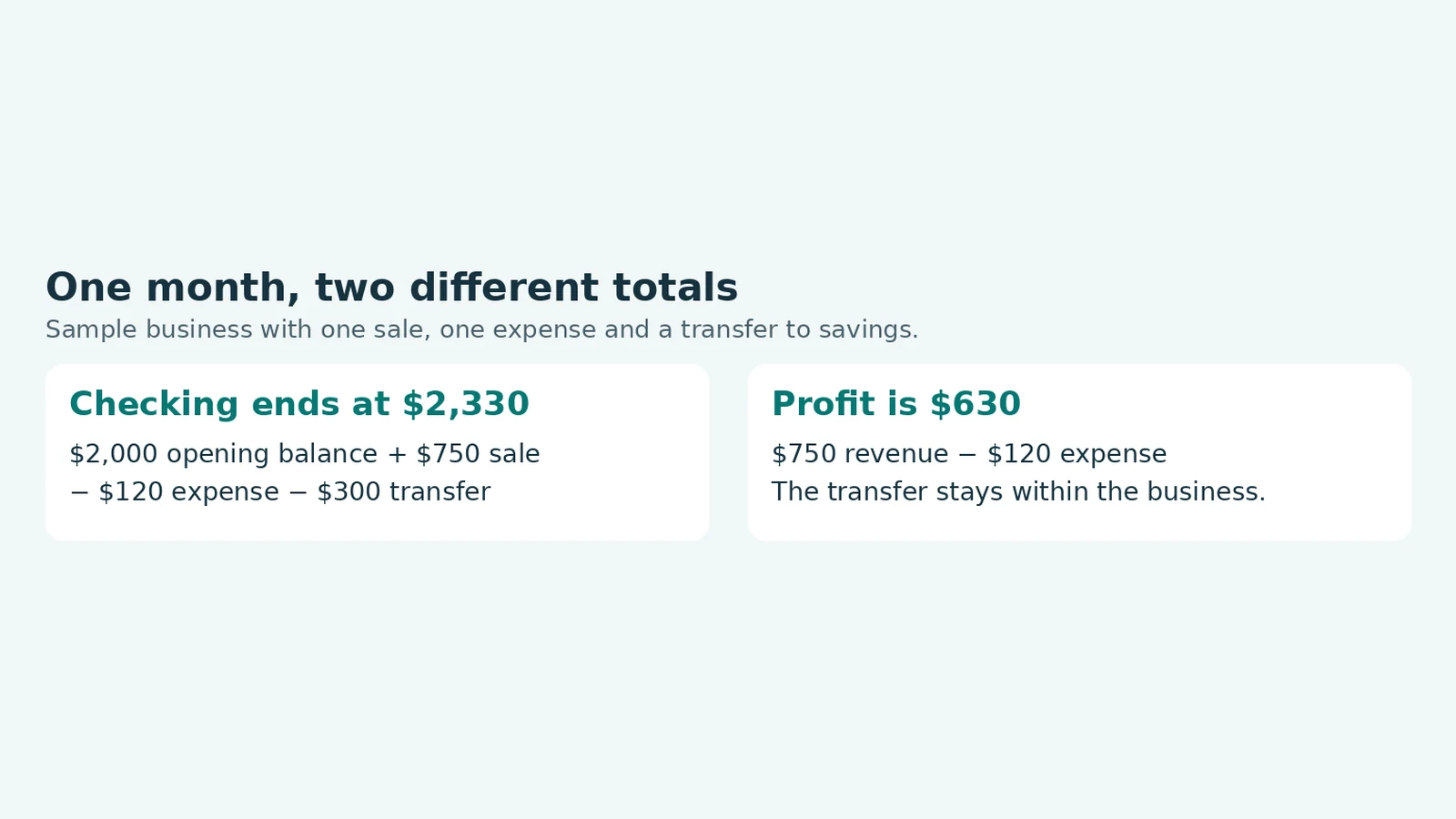
Start with $2,000 in business checking and $0 in business savings. Create a $750 invoice and record the customer paying in full that month. Add a $120 business software expense paid from checking. Then move $300 from checking to savings. Assume all three checking transactions clear and there are no other sales, expenses or adjustments.
| Check | What you should see |
|---|---|
| Match the customer payment | The invoice shows paid and the $750 sale appears once. |
| Categorize the expense and transfer | The $120 software cost is an expense. Savings ends at $300. |
| Reconcile checking | The ending balance is $2,330 and the reconciliation difference is $0. |
| Run and export reports | Profit is $630. Open the exported files outside the app. |
If the $750 shows up twice, check whether the imported deposit was entered as a new sale instead of matched to the invoice payment. If the $300 lowers profit, check how you categorized the transfer. Our gross vs. net income guide explains how revenue becomes profit.
Add one transaction that reflects your own business. A freelancer might record a purchase and charge it back to a client. A shop owner might check whether transaction fees land in the right expense category. See how to handle billable expense income and recognize variable expenses.
When is a paid plan worth it?
Measure the time you spend on statement uploads, categorization and reconciliation. If a $19 monthly upgrade reliably saves 30 minutes of work you value at $45 an hour, the time saved is worth $22.50 a month to you. Before switching, check that your bank works with the paid feed and export the records you would need to move again. If manual work starts costing more than a subscription, compare cloud accounting software for small businesses on bank feeds, staff access, and annual cost.
Can I use a free plan to keep tax records?
Yes. The IRS generally lets you choose a recordkeeping system that clearly shows business income and expenses. Keep the receipts, invoices and other documents that support the entries, along with copies you can access outside the app. IRS recordkeeping guidance.












Comments 2